This feature requires a subscription. For more information about pricing and activation, please email support@ecordia.co.uk .
The onboarding feature is highly configurable and will facilitate the onboarding of applicants onto their course and engage their employer in the process if required. All information gained during the onboarding process will be used to create the candidate account reducing duplication of information and enabling the applicant to provide their personal information remotely through a secure login.
Users with the Onboarder role can commence onboarding for an applicant with just their first name, last name and email address.
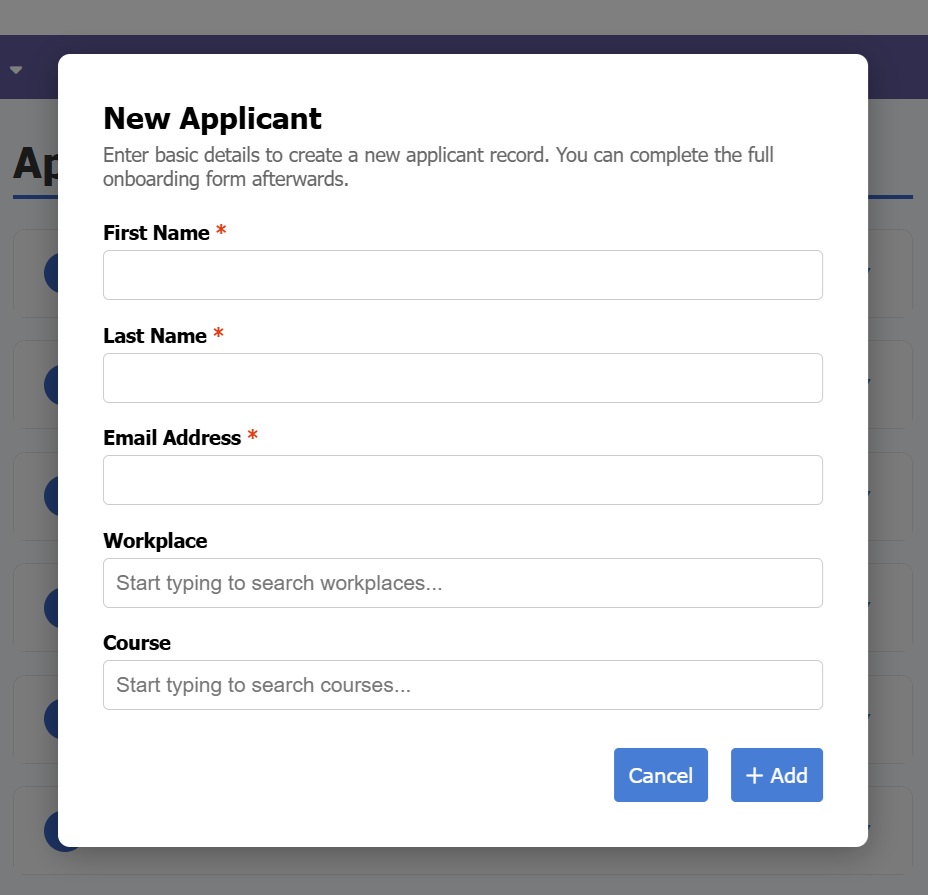
The applicant will then receive an email inviting them to create a password to log into Ecordia and complete the relevant onboarding sections i.e. sections containing fields for them to complete, which is configured by each centre:
Personal Details
Training Arrangements
Initial Assessment
Personal Learning Record
Supporting Evidence
Course/Apprenticeship Guidelines
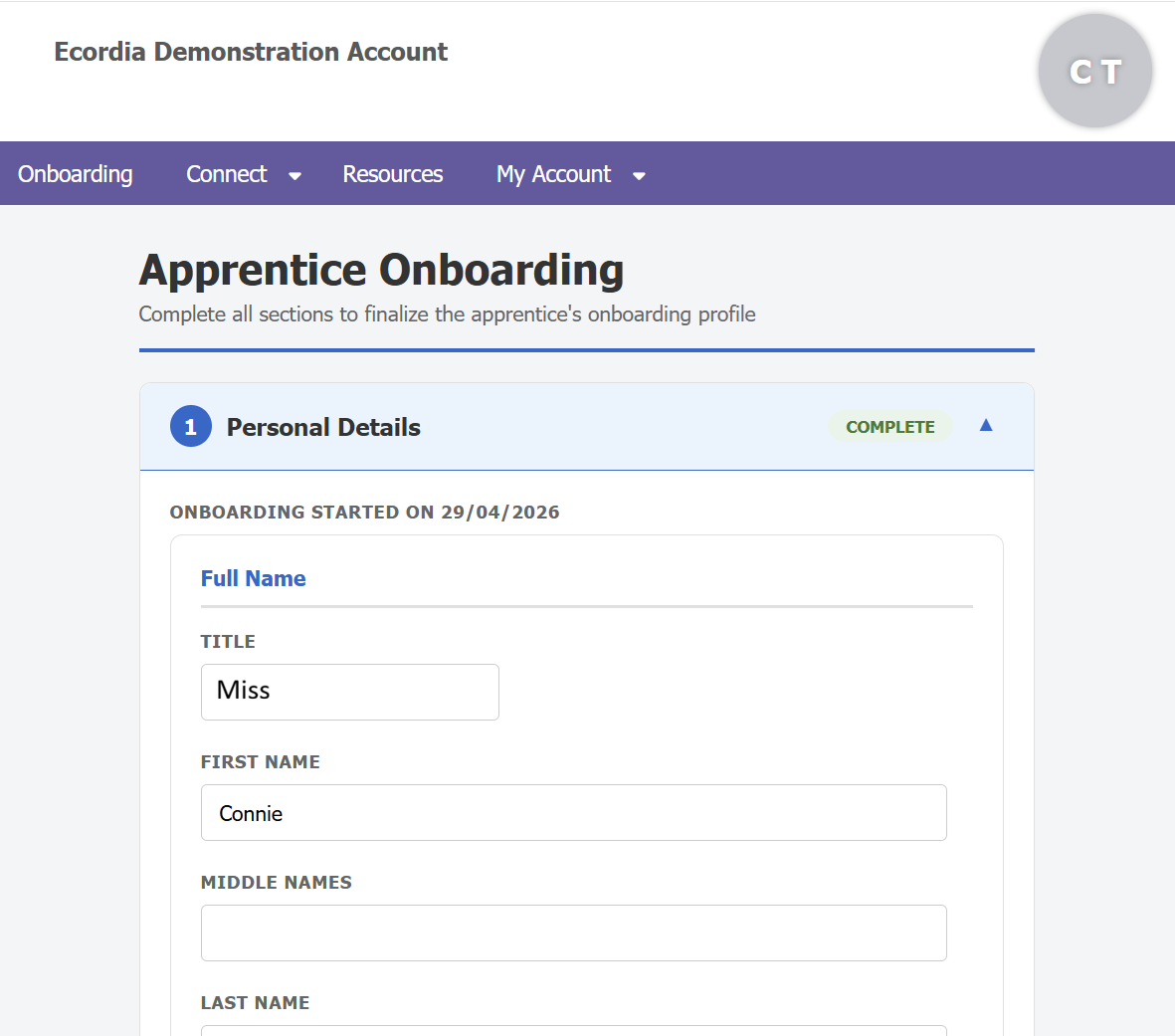
Once the applicant has completed all the required fields, they can submit their onboarding sections to the Onboarder, who will be notified by system message, and can then check and edit the applicants' entries as required, and then create a candidate record for the applicant, at which point the onboarder will need to select the Course, Assessor, and Workplace.
The candidate will now be at the 'Set-up' step and the assessor will be notified with the usual 'Portfolio Awaiting Set-up' task on their dashboard.
Was this article helpful?
That’s Great!
Thank you for your feedback
Sorry! We couldn't be helpful
Thank you for your feedback
Feedback sent
We appreciate your effort and will try to fix the article