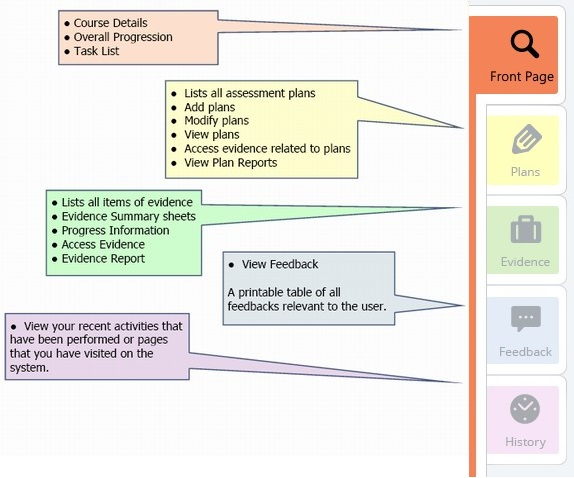
Once in the portfolio—as a candidate or any other user, there are tabs on the right-hand side, just like a paper-based portfolio:
Use these to:
* add, view or modify plans
* add, view or modify evidence
* provide assessment feedback
* view feedback and check on progress
For courses requiring End-Point Assessment:
An additional tab can be displayed to share information with the End-Point Assessor(s) 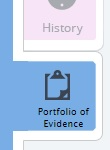
Was this article helpful?
That’s Great!
Thank you for your feedback
Sorry! We couldn't be helpful
Thank you for your feedback
Feedback sent
We appreciate your effort and will try to fix the article