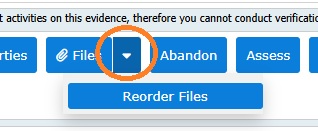
Once files have been uploaded to your evidence, the 'Reorder Files' option will be available on the right of the 'Files' button:
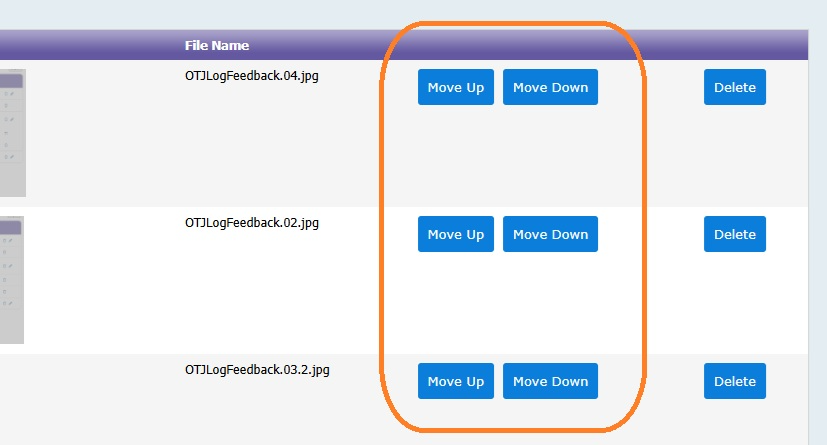
This will then take you to a page where you can move the files up and down. Click 'Done' at the bottom of the page to return to the viewing evidence page.
Was this article helpful?
That’s Great!
Thank you for your feedback
Sorry! We couldn't be helpful
Thank you for your feedback
Feedback sent
We appreciate your effort and will try to fix the article